Can ChatGPT Make Videos? What It Can and Can’t Do in 2026
Can ChatGPT make videos? Learn what it can do, how connected tools work, and how to choose a video generator for your next project.
Quick Answer
ChatGPT cannot natively render and export a finished video through OpenAI’s current consumer video product. OpenAI’s official deprecation notice confirms that the Sora 2 models and Videos API were removed on September 24, 2026.
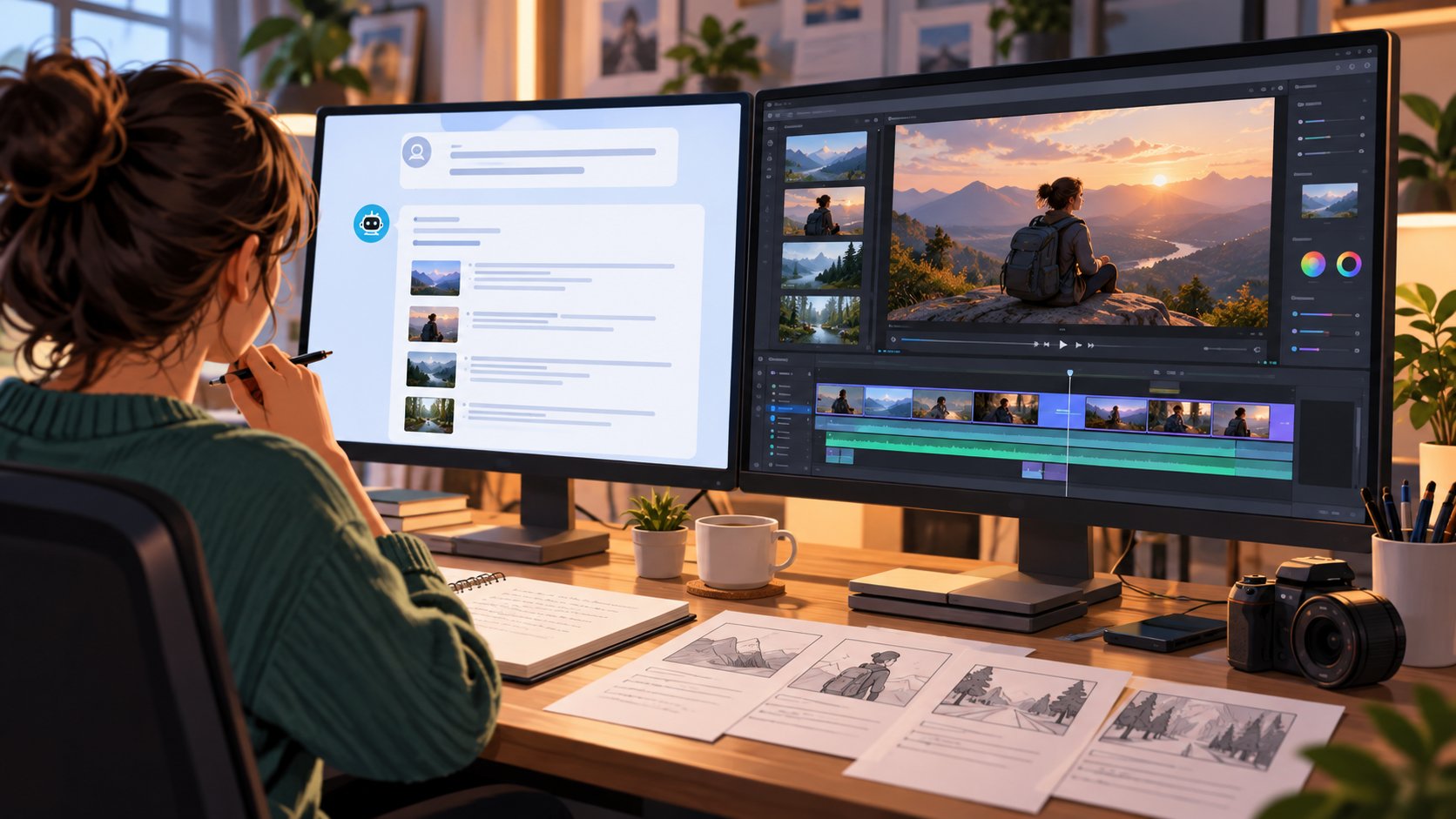
However, ChatGPT can still play a major role in video creation. It can develop ideas, write scripts, build storyboards, create shot lists, generate reference images, draft voiceovers and captions, and turn a rough concept into prompts for an AI video generator. In some accounts, regions, or workspaces, connected third-party tools may also let you start a video generation job from inside a ChatGPT conversation. The video is still rendered by that external service—not by the ChatGPT language model itself.
The practical answer is therefore: ChatGPT can help you make a video, but a video-generation or editing engine is still required to produce the final playable file.
AIFE Recommendation
Choose the workflow based on the result you need:
For beginners who want the fewest steps: use ChatGPT with a connected or all-in-one AI video generator.
For creators who want more control: use ChatGPT for the script and storyboard, then move the output into dedicated tools for visuals, voice, and editing.
For teams producing videos at scale: choose a platform that combines templates, brand controls, collaboration, captions, localization, export, and publishing.
Do not choose a tool simply because it says “powered by ChatGPT.” Check what it actually produces. Some tools return only a script or a link, while others provide an editable project or an exportable video file.
AIFE Evaluation Criteria
AIFE recommends comparing ChatGPT video workflows using these criteria:
Final output: Does the tool export a playable MP4 or MOV file?
Visual source: Does it generate original footage, animate images, use stock media, or create avatar videos?
Creative control: Can you control camera movement, characters, style, duration, pacing, and aspect ratio?
Audio support: Does it include voiceovers, music, sound effects, and lip-sync?
Editing: Can you revise scenes, captions, timing, and branding after generation?
Workflow integration: Can it be used inside ChatGPT, or do you need to move between platforms?
Cost and limits: Are credits, watermarks, export resolution, and commercial-use rights clearly explained?
Privacy and rights: How are uploaded faces, voices, brand assets, and confidential content stored and used?
What Does “Making a Video With ChatGPT” Actually Mean?
The phrase can describe three different workflows, which is why online answers often appear to contradict one another.
1. Native video generation
This would mean typing a prompt into ChatGPT and having OpenAI’s own consumer product render and return a finished video. As of September 2026, that is not a generally available native ChatGPT capability. OpenAI’s Sora consumer web and app experiences have been discontinued.
2. Video generation through a connected tool
A third-party service may connect its video engine to ChatGPT. You describe what you want in the conversation, ChatGPT structures the request, and the connected service renders the video. Higgsfield, for example, describes a workflow in which users connect its tool, attach references, select or let ChatGPT choose a model, and receive the generated clip through the conversation.
Availability may depend on your ChatGPT plan, country, workspace permissions, and whether the relevant tool appears in your tools or plugins directory. Credits and usage rules usually belong to the third-party service.
3. ChatGPT-assisted video production
This is the most broadly available workflow. ChatGPT handles pre-production while dedicated video software handles rendering and editing. You can use ChatGPT to create:
Video concepts and hooks
Scripts at different lengths
Scene-by-scene storyboards
Shot lists and B-roll suggestions
Text-to-video and image-to-video prompts
Reference-image prompts
Voiceover scripts
Captions, titles, descriptions, and calls to action
Repurposed versions for YouTube, TikTok, Instagram Reels, or LinkedIn
Can ChatGPT Make Videos? Capabilities and Limitations
Task | Can ChatGPT help? | What you still need |
Generate video ideas and hooks | Yes | Human selection and fact-checking |
Write a script | Yes | Editing for brand voice and accuracy |
Build a storyboard or shot list | Yes | A renderer, camera, or editing tool |
Create prompts for video models | Yes | A compatible AI video generator |
Generate reference images | Yes, where image generation is available | An image-to-video tool for motion |
Draft voiceover and captions | Yes | Voice generation, recording, or editing software |
Render original moving footage natively | No, not through the current OpenAI consumer video product | A third-party video engine |
Edit a timeline and preview pacing | Not as a full timeline editor | Dedicated video-editing software |
Export an MP4 or MOV by itself | No | A video generator or editor |
Three Ways to Make Videos With ChatGPT
Method 1: Use a connected video generator inside ChatGPT
This is the most convenient option when an appropriate integration is available.
How it works:
Open ChatGPT’s tools or plugins directory.
Find and connect a supported video-generation service.
Sign in to the external service and review its credit and privacy terms.
Describe the subject, action, style, duration, and aspect ratio.
Attach a reference image if the tool supports image-to-video generation.
Review the result and request changes in the conversation or external editor.
Best for: beginners, rapid experiments, product clips, short ads, and social content.
Advantages: fewer handoffs, natural-language revisions, and a simpler learning curve.
Limitations: availability varies; credits can become expensive; advanced editing may still open in another platform; output quality depends entirely on the connected engine.
Method 2: Use ChatGPT for planning and a specialist tool for production
This approach gives you more control and works even when no integration is available.
Typical workflow:
Ask ChatGPT to define the audience, goal, hook, and call to action.
Generate a script with a target runtime.
Convert the script into short scenes.
Ask for a visual prompt, camera direction, narration, and on-screen text for each scene.
Generate the clips in a text-to-video, image-to-video, avatar, or stock-based platform.
Assemble the clips, voiceover, music, and captions in a video editor.
Use ChatGPT to adapt the title, description, and caption for each publishing channel.
Best for: creators, marketers, educators, and teams that care about quality and brand control.
Advantages: you can choose the best tool for each job and revise individual scenes without regenerating everything.
Limitations: more manual handoffs, a steeper learning curve, and potentially several subscriptions.
Method 3: Use an all-in-one automated video platform
Some platforms combine script generation, visuals, voiceovers, captions, rendering, and publishing. ChatGPT may be used only at the beginning—or not at all—because the platform includes its own language model.
Best for: faceless social channels, recurring product updates, localized training content, and high-volume publishing.
Advantages: consistent templates, faster production, batch creation, and fewer tools to manage.
Limitations: less granular creative control, repetitive output, platform lock-in, and the risk of publishing weak or inaccurate content without human review.
Which Type of AI Video Tool Should You Choose?
Goal | Best tool category | What to prioritize |
Cinematic or imaginative clips | Text-to-video or image-to-video generator | Motion quality, camera control, reference consistency |
Training or explainer videos | AI avatar platform | Voice quality, branding, localization, analytics, LMS support |
Fast social videos | Template or stock-based generator | Vertical formats, captions, hooks, export speed |
Product ads and UGC-style content | Image-to-video or AI actor tool | Product fidelity, character consistency, commercial rights |
Long-form YouTube production | Script plus modular editing workflow | Scene control, narration, B-roll, timeline editing |
High-volume publishing | Automated video pipeline | Batch generation, approval steps, scheduling, brand controls |
The “best” AI video tool depends less on the most advanced model and more on the job you need to complete. A cinematic generator may produce impressive motion but be a poor choice for a multilingual employee-training course. An avatar platform may be excellent for explainers but unsuitable for visually experimental ads.
A Prompt You Can Use to Plan a Video in ChatGPT
Copy and customize this prompt:
Create a 45-second vertical video plan about [topic] for [audience]. The goal is to [desired action]. Use a [tone] tone. Start with a strong hook in the first three seconds. Divide the video into six short scenes. For each scene, provide: duration, narration, visual description, camera movement, on-screen text, and a prompt for an AI video generator. End with one clear call to action. Keep the total narration under 110 words and avoid claims that cannot be verified.
After ChatGPT returns the plan, review the script before generating any footage. Replace generic phrases, verify facts, and specify recurring visual details—such as wardrobe, colors, product shape, lighting, and camera style—to improve consistency between scenes.
Common Mistakes to Avoid
Assuming ChatGPT and a video generator are the same system
ChatGPT may plan the job or pass it to a connected service, but the rendering engine determines the final motion, resolution, audio, and export options.
Writing one oversized prompt for the entire video
Video models often perform better when a story is divided into short, visually specific shots. Generate and review each important scene separately when consistency matters.
Ignoring aspect ratio and duration
Define the destination before generation. A YouTube video, a TikTok clip, and a LinkedIn video may require different framing, pacing, captions, and runtimes.
Trusting the first output
AI-generated video can contain continuity errors, distorted text, inconsistent products, unnatural motion, or inaccurate claims. Always review the full video, including individual frames, audio, captions, and branding.
Uploading sensitive assets without checking the terms
Before using a real person’s face, cloned voice, unreleased product, customer data, or confidential footage, review the service’s storage, training, consent, and commercial-use policies.
Is ChatGPT Good for YouTube, TikTok, and Marketing Videos?
Yes—especially for planning and repurposing. ChatGPT can turn one core idea into a long YouTube outline, a 60-second Short, several hooks, a caption, and a shot list. It can also adapt the message for different audiences while keeping the core positioning consistent.
The main limitation is that good video performance depends on more than a script. Visual quality, pacing, editing, originality, sound design, thumbnails, distribution, and audience feedback still require appropriate tools and human judgment.
Final Verdict
Can ChatGPT make videos? Not by itself in the sense of natively rendering and exporting a finished video through OpenAI’s current consumer video product. But it can do much of the thinking and preparation that makes video production faster, and connected third-party tools may allow generation to begin from inside ChatGPT.
For most users, the strongest setup is to use ChatGPT as the creative and planning layer, then choose a video generator based on the required output: cinematic footage, avatar presentation, social templates, product ads, or automated publishing. Compare the final export, creative control, editing options, cost, rights, and privacy—not just the promise of “AI video in one click.”
Explore AI video tools on AIFE to compare options by use case and find the workflow that matches your project.
Frequently Asked Questions
Can ChatGPT directly generate an MP4 video?
No. ChatGPT’s current consumer experience does not natively render and export an MP4. A connected third-party video generator or separate editing platform is required.
Can ChatGPT create videos with a plugin or connected tool?
Potentially, yes. Some third-party services can accept instructions from a ChatGPT conversation and render the video using their own models. Availability and costs vary by plan, region, workspace, and provider.
Can ChatGPT write a YouTube video script?
Yes. It can generate hooks, outlines, full scripts, scene breakdowns, titles, descriptions, and repurposed short-form versions. Human review is still necessary for accuracy, originality, and brand voice.
What is the best way to make a video with ChatGPT?
For simplicity, use a connected or all-in-one video tool. For maximum creative control, use ChatGPT for scripting and storyboarding, then generate and edit the scenes in specialist tools.
Is there a ChatGPT video generator from OpenAI in 2026?
OpenAI discontinued the Sora consumer web and app experiences on April 26, 2026. Third-party tools may still connect video-generation capabilities to ChatGPT, but the external service performs the rendering.